Powered by eero Signal

Backup Internet

If your fiber connection is ever interrupted, your Wi-Fi switches to a 4G LTE cellular connection automatically — and switches back when service returns.

Automatic switchover Cellular data included Works with your eero
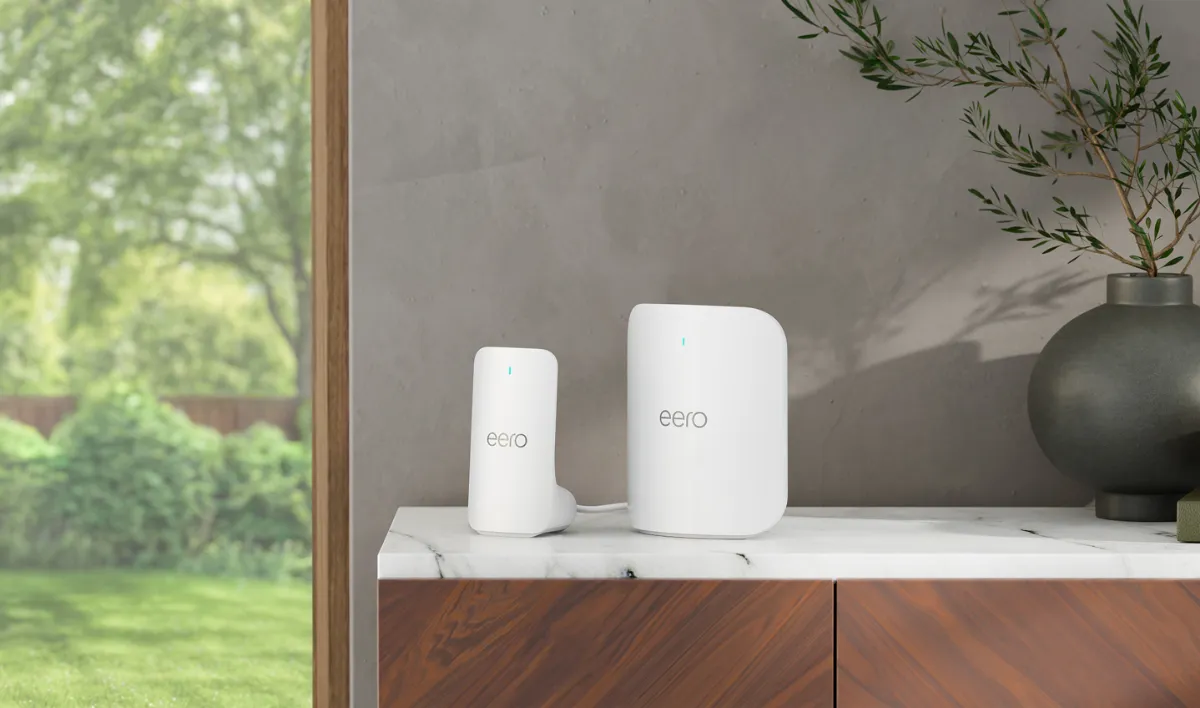
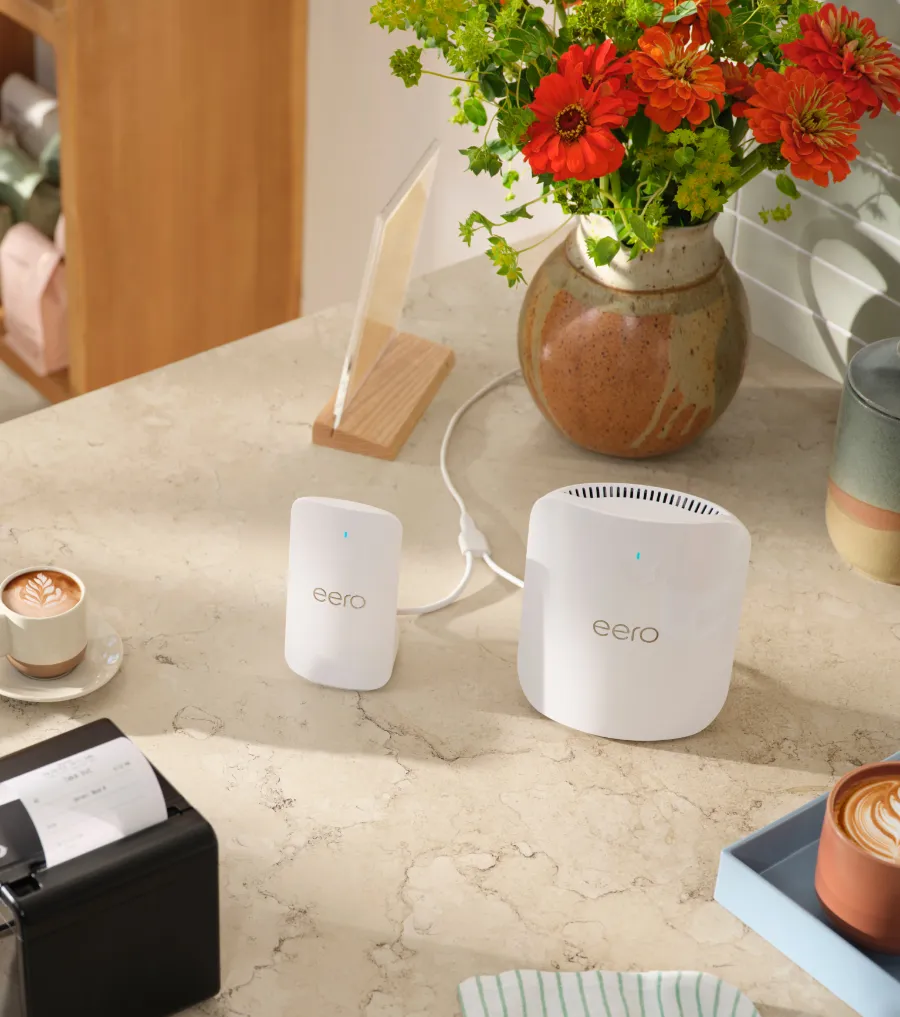
eero Signal standing beside an eero router on a marble shelf
How it works

The simple way to stay connected.

eero Signal is a small cellular companion for your eero. It sits quietly in the background until your main connection drops — then it takes over.

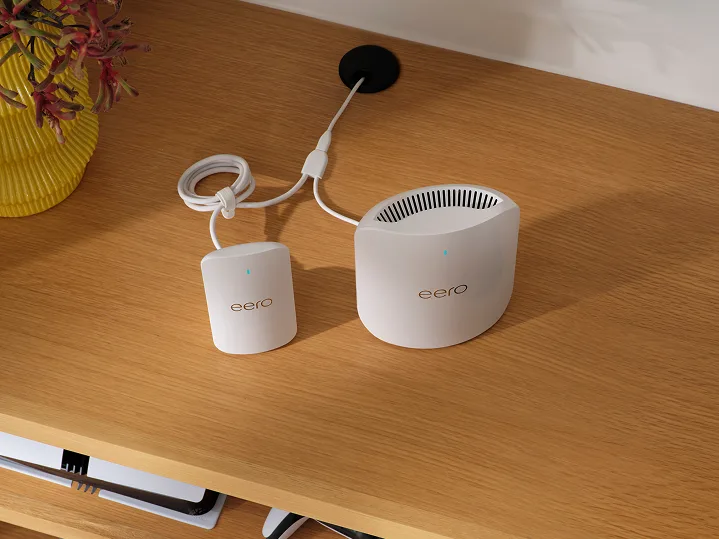
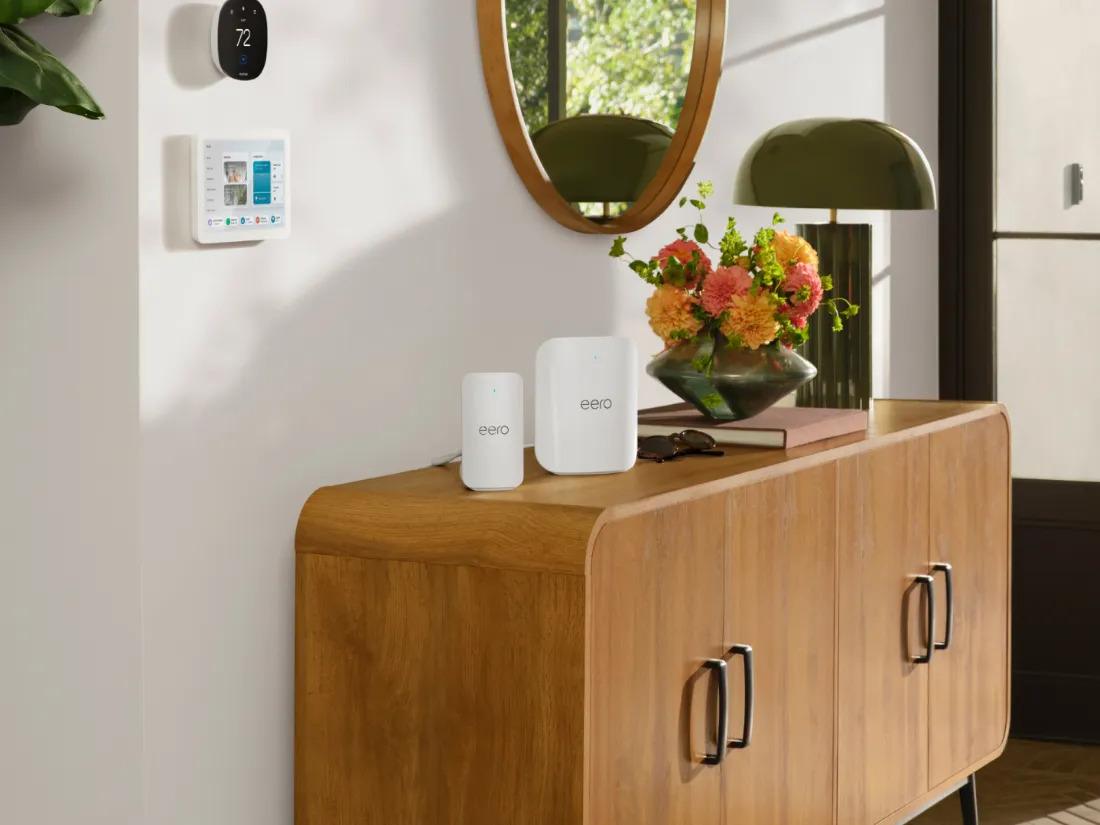
eero Signal and an eero router on a wooden sideboard
Flexible

Put it where your cell signal is strongest.

eero Signal pairs with any compatible eero in your home, so you can place it wherever cell reception is best.

eero Signal connected to an eero with its included cable
Easy

Plugs right into your eero.

One included cable connects it to your eero and shares a single outlet. Setup takes a few taps in the eero app.
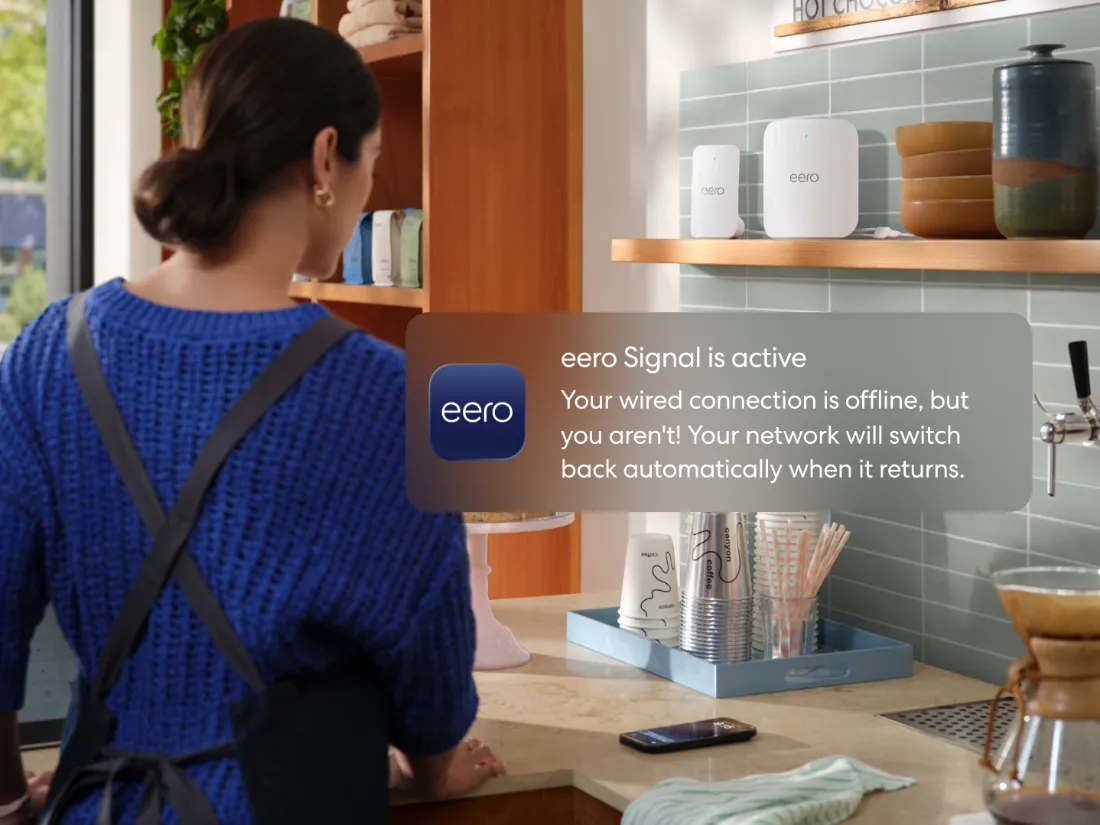
The eero app notifying that eero Signal is active while the wired connection is offline
Automatic

Switches over on its own.

If your fiber connection goes offline, your network moves to cellular without you lifting a finger — and moves back when service returns. The eero app lets you know either way.

Why Backup Internet

Your Wi-Fi now has some serious backup.

Most of what matters at home runs on Wi-Fi. Backup Internet keeps it running through the unexpected.

Work from home, uninterrupted

Keep email, messages and video calls going while your main connection is restored.

No extra plan
Cellular data included

Backup data is part of your monthly add-on — no separate cell plan or subscription to buy. A built-in eSIM picks the network for you.

A home that stays connected

Cameras, doorbells and smart home devices that rely on your Wi-Fi stay online too.

The device

eero Signal 4G LTE

Easy-to-use backup that's also easy on the eyes.
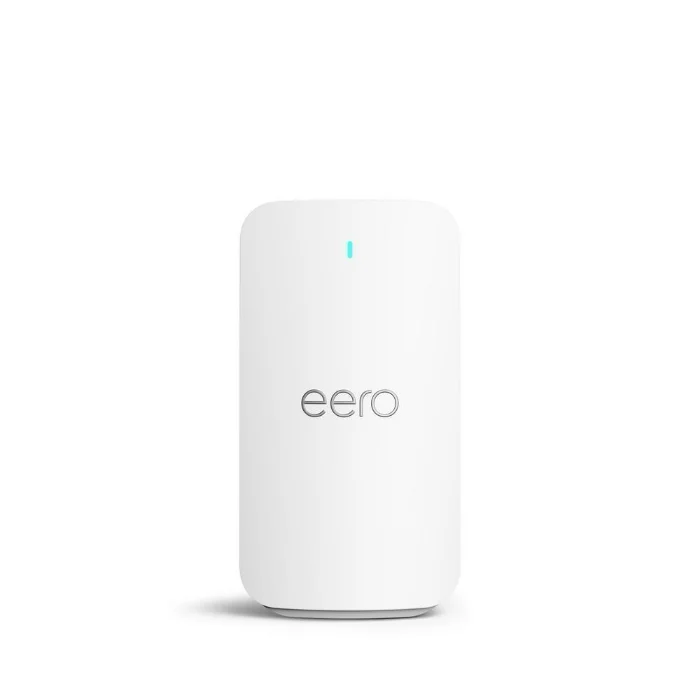
eero Signal, front
Front
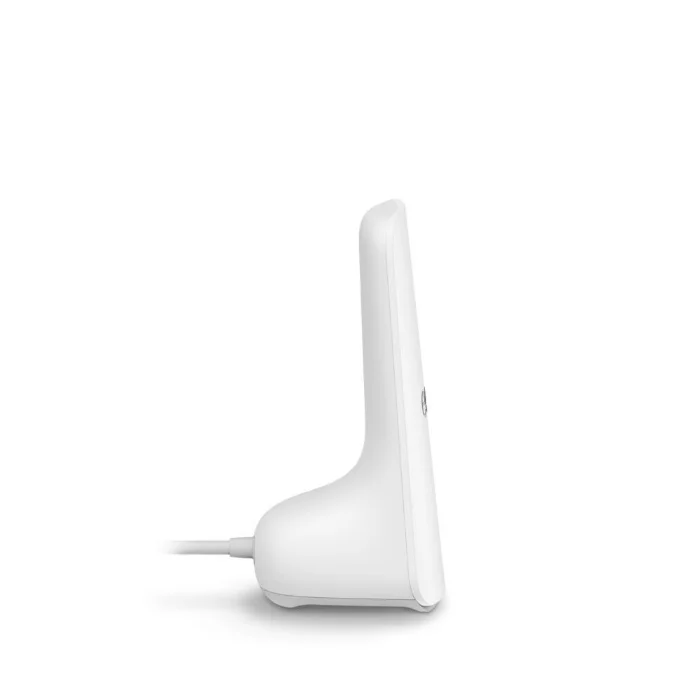
eero Signal, side
Side
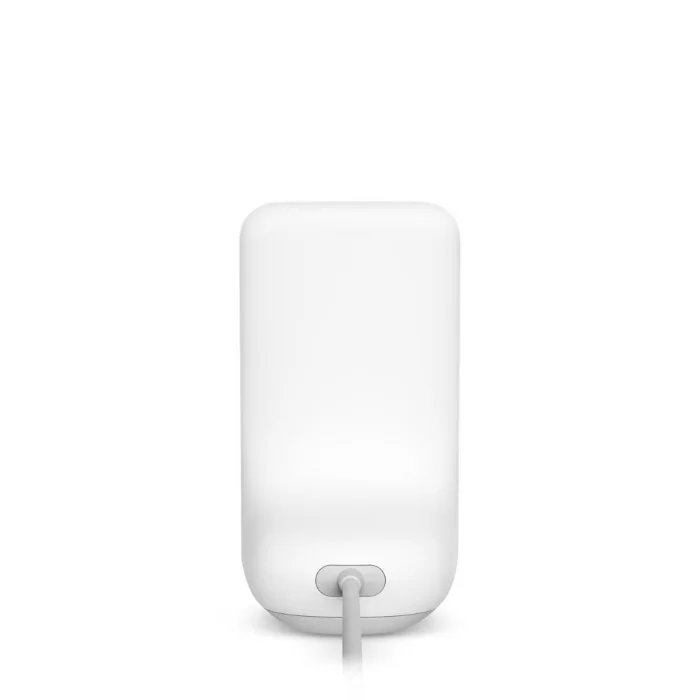
eero Signal, back
Back
Connection
4G LTE cellular, built-in multi-carrier eSIM
Works with
The eero Pro 7 and eero Max 7 we install, plus other compatible Wi-Fi 6 and newer eeros
Wi-Fi
None of its own — your eero handles Wi-Fi as usual
Power
Shares one outlet with your eero (adapter and splitter cable included)
Size
5.68 × 3.09 × 2.78 in (144.3 × 78.5 × 70.8 mm)
Good to know

Backup Internet, answered

Is eero Signal a router?
No. eero Signal provides a cellular connection to the internet — it doesn't make Wi-Fi of its own. It connects to your eero, and your eero keeps delivering Wi-Fi to every room as usual.
Do I need a separate data plan or subscription?
No. Cellular backup data is included in the monthly cost of the Backup Internet add-on. There's no cell carrier account to set up — the built-in eSIM selects the network automatically.
How does the switchover work?
When your main connection goes fully offline (typically for up to a minute), your eero network switches to cellular automatically and the eero app sends you a notification. When service returns, it switches back on its own. Very brief blips may not trigger a switch.
How fast is the backup connection?
Slower than fiber — it's built to keep you connected, not to match your fiber plan. eero estimates typical 4G LTE backup speeds of 11–48 Mbps download and 3–27 Mbps upload. Actual speeds depend on cell coverage where you live.
Does it work during a power outage?
Not on its own. eero Signal has no built-in battery, so it needs power just like your eero does. Backup Internet covers interruptions to your internet connection, not to your home's electricity — a battery backup (UPS) can keep both running through a power outage.
Can I use it as my main internet connection?
No. eero Signal is for backup only, at a single home, alongside your Wire 3 fiber connection.

Keep your home connected.

Add Backup Internet, powered by eero Signal, to your Wire 3 fiber plan.

Questions? Call (386) 777-8835.